Custom crosswords to introduce or review concepts
Create custom crosswords with AI. The game comes with a blank grid, Rubric, and a set of clues, ready for printing or sharing.
Why Teachers Love It

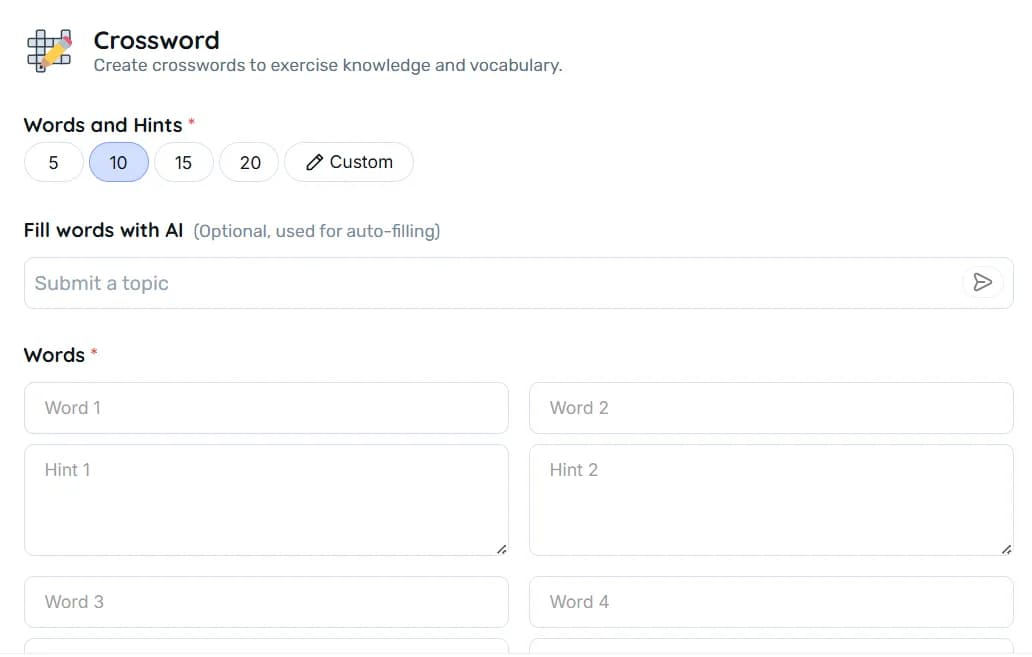
Total content flexibility – from 1 to 20 terms, chosen manually or suggested by AI
Two ready parts – a blank diagram and a Rubric with solution and clues
Playful engagement – combines game and learning without requiring extensive preparation
Classroom versatility – works as an icebreaker, review exercise, or vocabulary assignment
Best Practices
What to do
- Define a clear theme before generating
- Write concise clues aligned with the students' level
- Review the Rubric and print on separate sheets
- Adjust the number of words based on the available time
What to avoid
- Mix words from vastly different topics
- Create overly technical clues for beginner classes
- Provide answers along with the blank grid
- Use 20 words when you only have 5 minutes for the activity
FAQ
Between 1 and 20. You decide the exact amount.
No. If you prefer, ask AI to suggest words and clues based on the provided theme.
A PNG file with the blank grid, clues, and the Rubric, ready to print or send digitally.
Yes. After generating the automatic list, edit, add, or remove whatever you want before creating the puzzle.
As a warm-up activity to introduce new vocabulary, review before tests, or as a fun homework assignment.

Reinvent teaching













Resources
2026 - All rights reserved