Projects with ready-to-use evaluation criteria
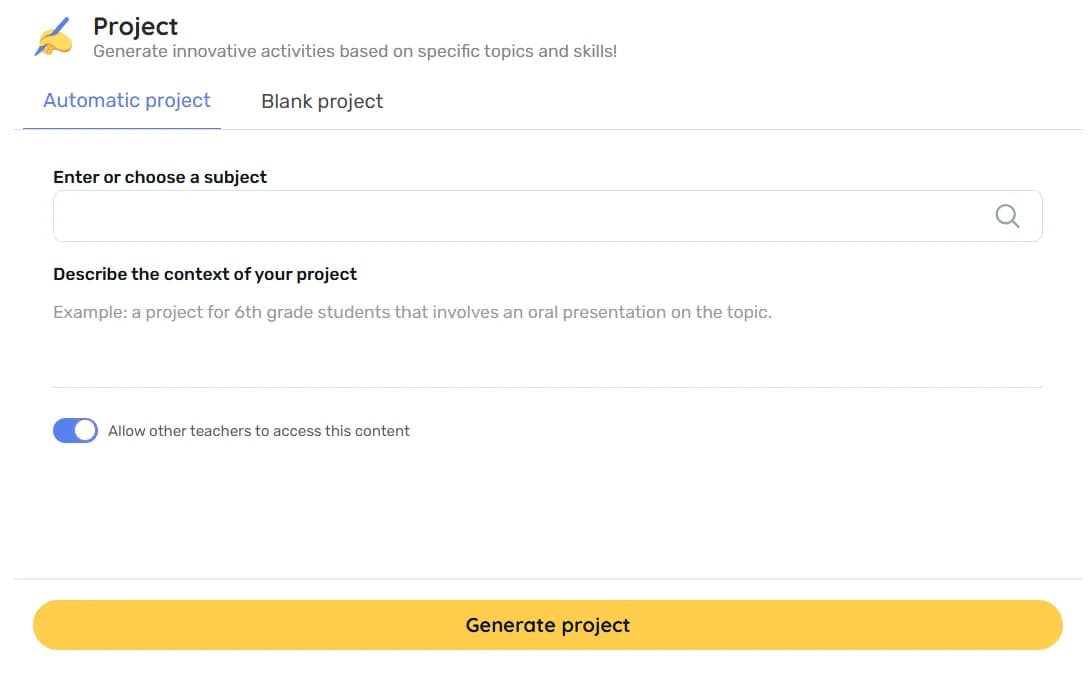
Generate complete assessment projects in just a few clicks: subject, classroom context and Teachy provides a detailed outline with objectives, steps, materials, evaluation criteria and score.
Why Teachers Love It

Automatic evaluation criteria – you don’t have to create them from scratch; just adjust weights or descriptions
Detailed steps – clear, step-by-step processes with research, creation, and reflection activities for students
Pre-prepared contextualization – an introductory text that connects theory and practice, simplifying the initial explanation
Estimated duration – indicates the time allocation for each step and the overall deadline
Focus on active learning – activities that involve inquiry, teamwork and presentations
Best Practices
What to do
- Describe the grade, objectives, and available time in the Context field
- Review the criteria and adjust the points according to the school’s evaluation policy
- Ensure that the suggested materials are available
- Involve students in defining the final deliverables
- Share the timeline and criteria with students and families
What to avoid
- Request without providing context – results in a generic outline
- Apply a standard scoring without considering the weight of the activities
- Keep resources that the school does not have
- Plan everything without allowing room for student input
- Leave students unaware of how they will be assessed
FAQ
It suggests criteria and scores; you can modify weights or totals according to your scale.
Yes. Mention the desired areas in the Context field to receive interdisciplinary tasks.
Absolutely. After generating the project, you can edit the titles, the order of phases, and the materials according to the school’s logistics.
Yes. After saving, click on download and you're all set.

Reinvent teaching













Resources
2026 - All rights reserved