Instant (and editable) mind maps for any Lesson
Generate clear mind maps in seconds with the theme of any Lesson.
Why Teachers Love It

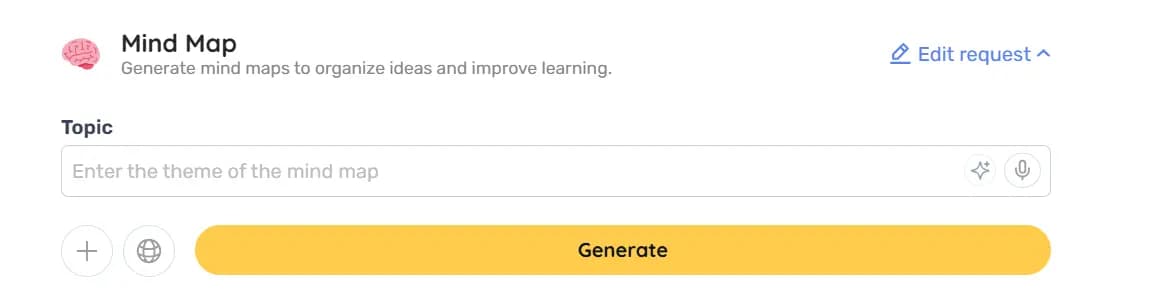
One-click automatic generation – just enter the topic and the map appears ready, saving you manual drawing time.
Direct editing – use the Edit button to rename, move, or delete branches and add new concepts.
Easily integrate into your Lessons – save on Teachy by clicking Save, or download for offline use.
Best Practices
What to do
- Set a specific topic before generating
- Review and adjust the branches after generation
- Use the map as post-lesson revision material
What to avoid
- Avoid using vague topics (the result may be superficial)
- Do not share the map without personalizing the language
- Do not use the map as your only study resource
FAQ
Yes. Click Edit to change texts, move branches, or create new ones.
You can click Save to keep the map on Teachy or Download to have the file on your computer.
No. The layout is automatically created; you only need to adjust the content.
There is no fixed limit, but to maintain clarity, split very extensive topics into two or more maps.

Reinvent teaching













Resources
2026 - All rights reserved