Instant Slide Presentations for Any Topic
Generate ready-to-use didactic slide presentations in seconds – just provide the topic, grade, and subject.
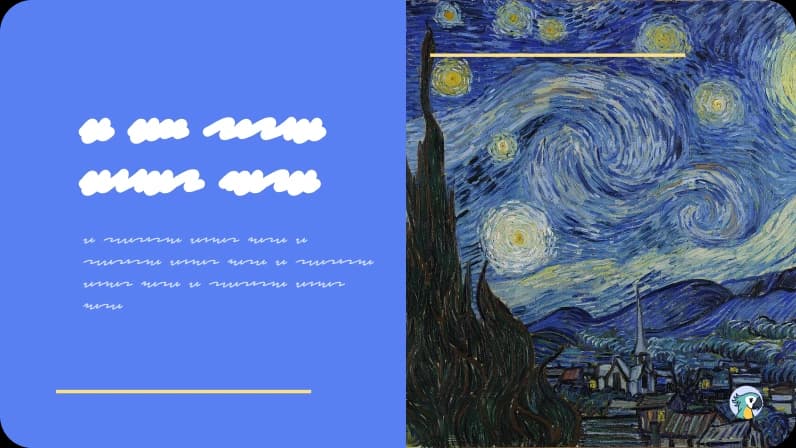
Why Teachers Love It

Complete slides, not just an outline – the platform generates fully formatted slides all at once, eliminating the need to copy and paste content.
Customizable grade/level – choose Early Childhood, Elementary, High School, or Higher Education based on your class.
Adjustable number of slides, tailored to the lesson duration.
Flexible “Context” field – specify objectives, teaching approach, or resources that the AI integrates into the content.
Best Practices
What to do
- Set the grade/level and the presentation size before generating
- Use the “Context” field to indicate the desired methodology, resources, or focus
- Review the agenda and topic order; adjust images or colors if necessary
- Include local examples or real-life cases in the preview
- Combine the tool with a Lesson plan or Assignment for a complete sequence
What to avoid
- Request generic slides without considering your target audience
- Ignore the context – the material may end up superficial
- Accept the deck without verifying its suitability for your lesson duration
- Stick with examples that are too disconnected from your students’ reality
- Use only slides without proposing follow-up reinforcement activities
FAQ
Yes. Download the PPTX or open in Google Slides; you can freely change titles, images, colors, and animations.
You choose the size during generation. If you need more, generate another block or edit manually.
The AI tool already includes images, but you can also insert your own during the editing stage after downloading the presentation.
Absolutely! Just set the topic and desired grade, and the AI will generate a structure tailored to your chosen audience.

Reinvent teaching













Resources
2026 - All rights reserved